Ride Replay lets you turn your tracked rides into 3D replays, so you can relive your journey and see your ride from a whole new perspective.
This feature is available for Premium users.
How to create a Ride Replay
Creating a Ride Replay 3D map replay is simple:
- Open one of your trainings
- Go to the map view in the training summary
- Tap the ▶️ button
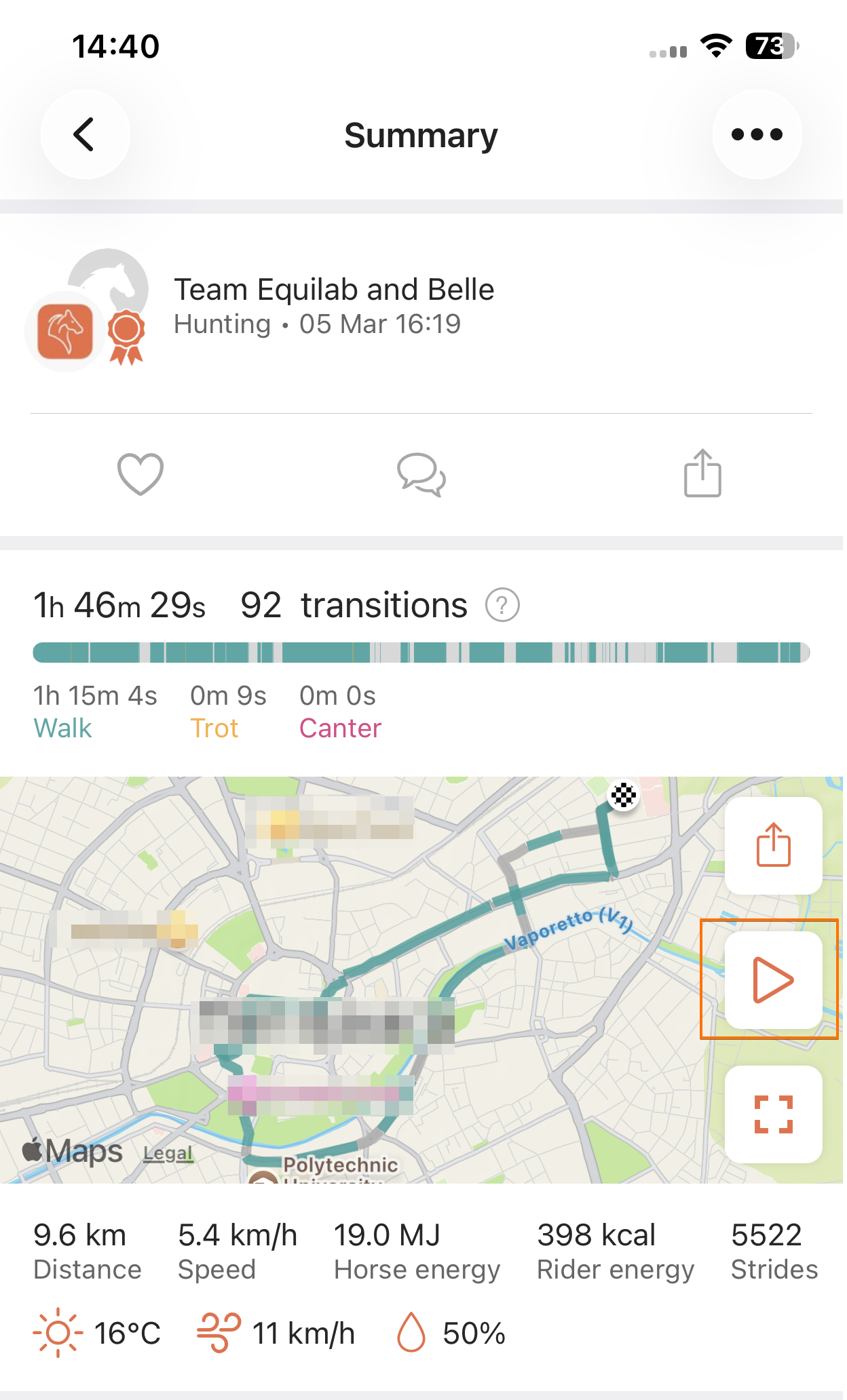
Where to find your Ride Replay
You can find your replay on your training's summary where you can watch it anytime by tapping the same ▶️ icon. There is no limit to how many times you can view your Ride Replay.
What does your Ride Replay show
Your replay reflects your ride visually on a 3D map:
- Gait colors (walk, trot, canter, tölt) match what you see in the app. Trainings without gait data use the default orange path
- A green start marker shows where your ride begins
- A moving dot shows your progress along the route
- An end marker appears at the end of the ride
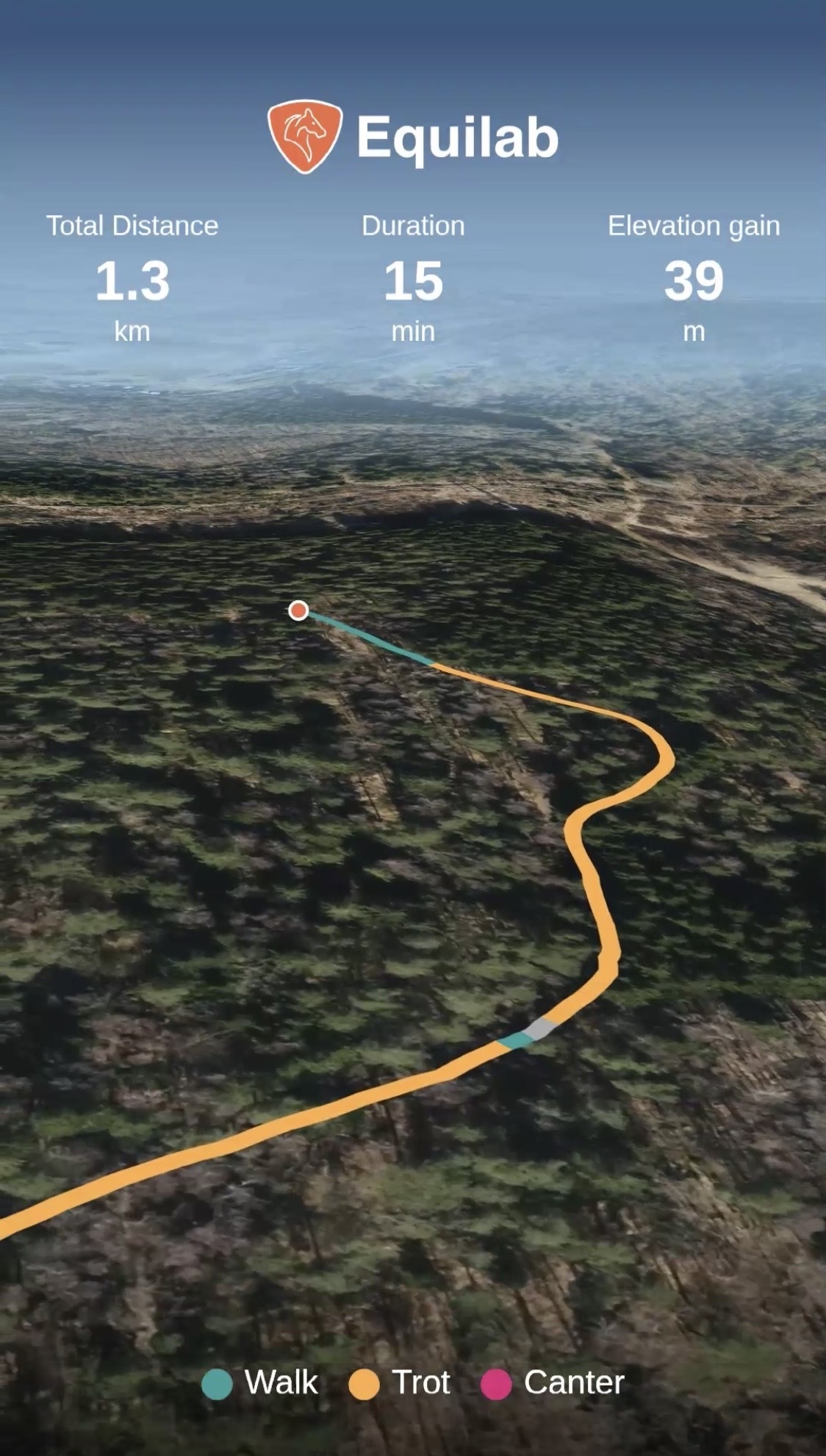
While watching your Ride Replay, you can:
- Play and pause
- Adjust playback speed (e.g. x1)
- Share your Ride Replay
- Close the Ride Replay
Please note: Sharing your replay as a video takes a moment to load. You'll see the progress on your screen, and once it's done, you can share your video.
Important to know
Ride Replay is available only for trainings with GPS data, and very long trainings (4+ hours) may not be supported at this time. Ride Replay is not created for manual trainings.
Was this article helpful?
That’s Great!
Thank you for your feedback
Sorry! We couldn't be helpful
Thank you for your feedback
Feedback sent
We appreciate your effort and will try to fix the article