Ride Replay lets you turn your tracked rides into 3D video replays, so you can relive your journey and see your ride from a whole new perspective.
This feature is available for Premium users.
How to create a Ride Replay video
Creating a Ride Replay video is simple:
- Open one of your trainings
- Go to the map view in the training summary
- Tap the ▶️ button
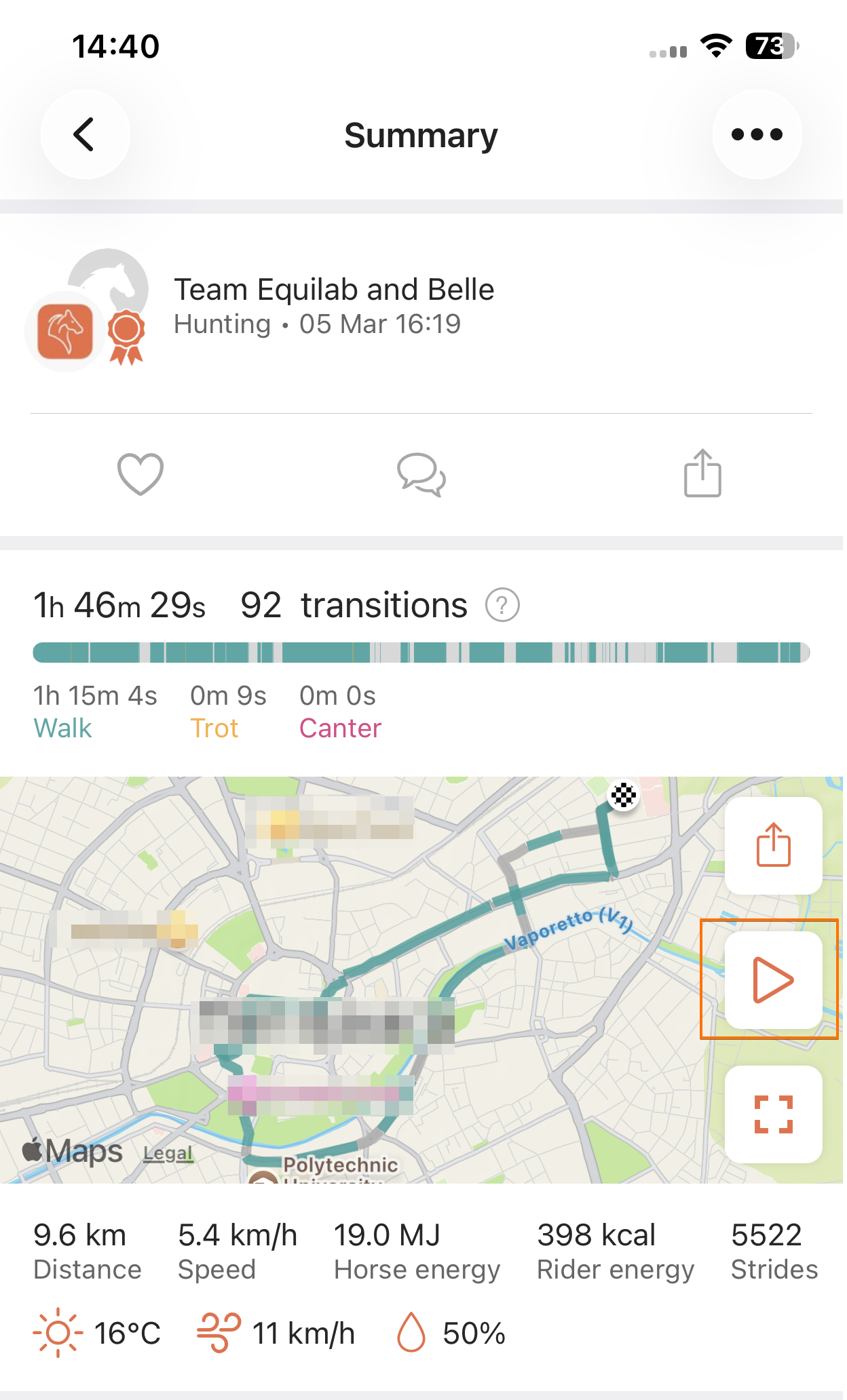
Your video will start generating and will be ready in a couple of minutes. If you have push notifications enabled, you’ll be notified when it’s ready.
Where to find your Ride Replay video
Once your Ride Replay video is ready, you can find it saved to your training where you can watch it anytime by tapping the same ▶️ icon. There is no limit to how many times you can view your generated videos.
If no video has been created for a training, the icon will have a white background. Once a video is available, the icon will appear with an orange background.
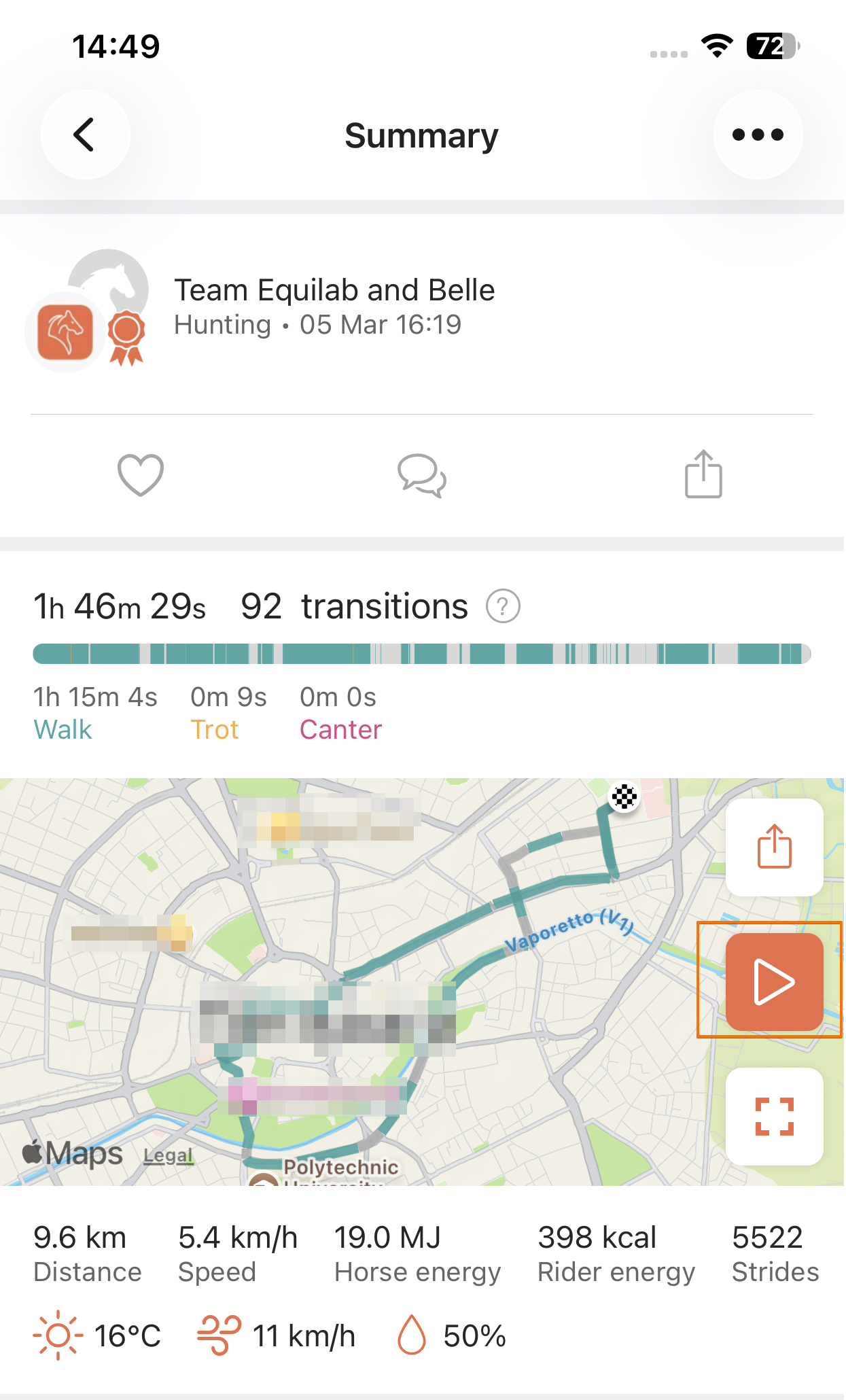
You can create up to 3 Ride Replay videos per day. The limit resets at midnight (CET).
What does your Ride Replay video show
Your video reflects your ride visually on a 3D map:
- Gait colors (walk, trot, canter, tölt) match what you see in the app. Trainings without gait data use the default orange path
- A green start marker shows where your ride begins
- A moving dot shows your progress along the route
- An end marker appears at the end of the ride
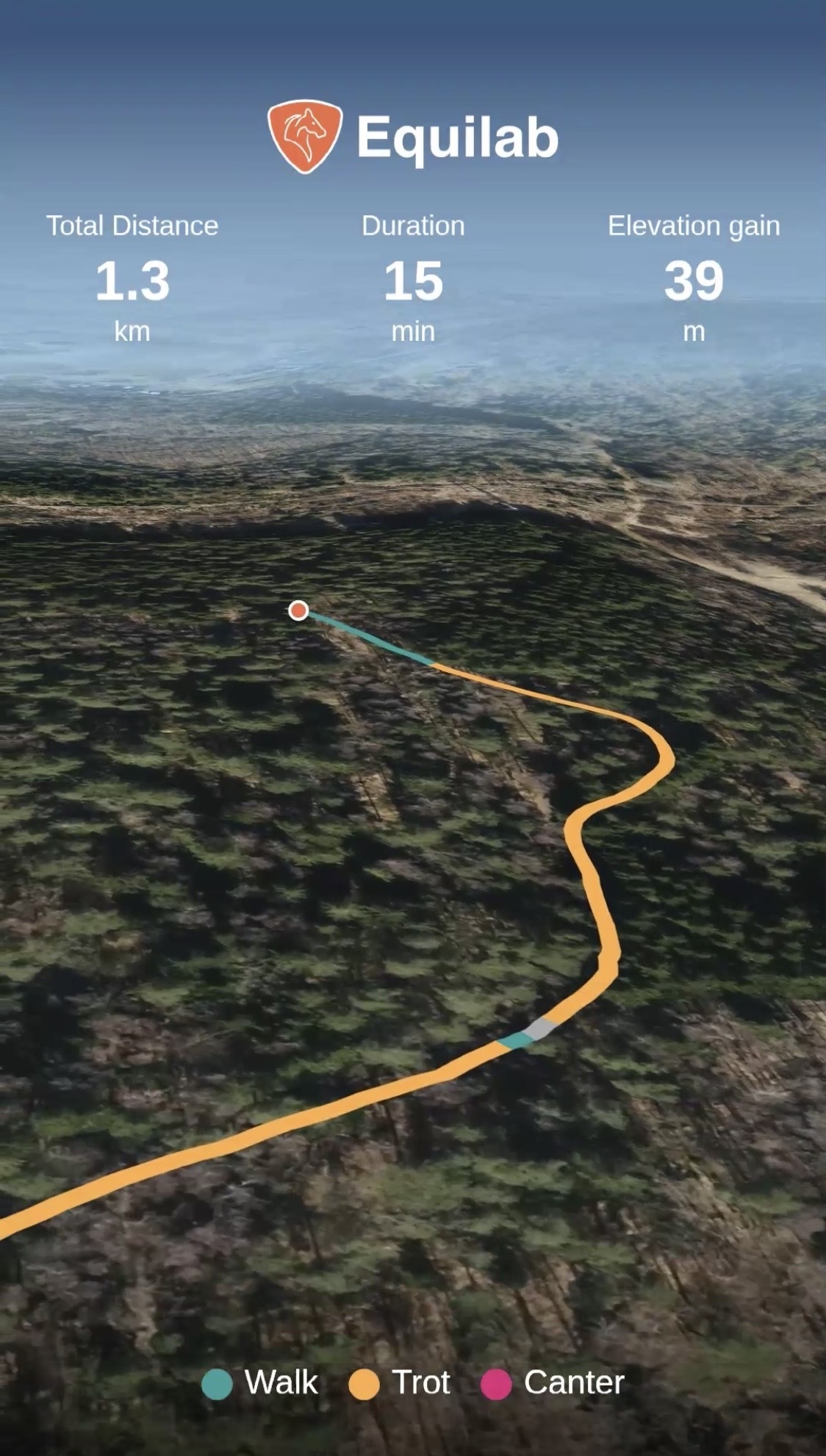
While watching your Ride Replay, you can:
- Play and pause the video
- Adjust playback speed (e.g. x1)
- Share your video
- Close the video
Important to know
Videos are generated only once and won’t update if you edit your training afterward. Ride Replay is available only for trainings with GPS data, and very long trainings (4+ hours) may not be supported for video generation at this time. Ride Replay videos are not created for manual trainings.
Was this article helpful?
That’s Great!
Thank you for your feedback
Sorry! We couldn't be helpful
Thank you for your feedback
Feedback sent
We appreciate your effort and will try to fix the article